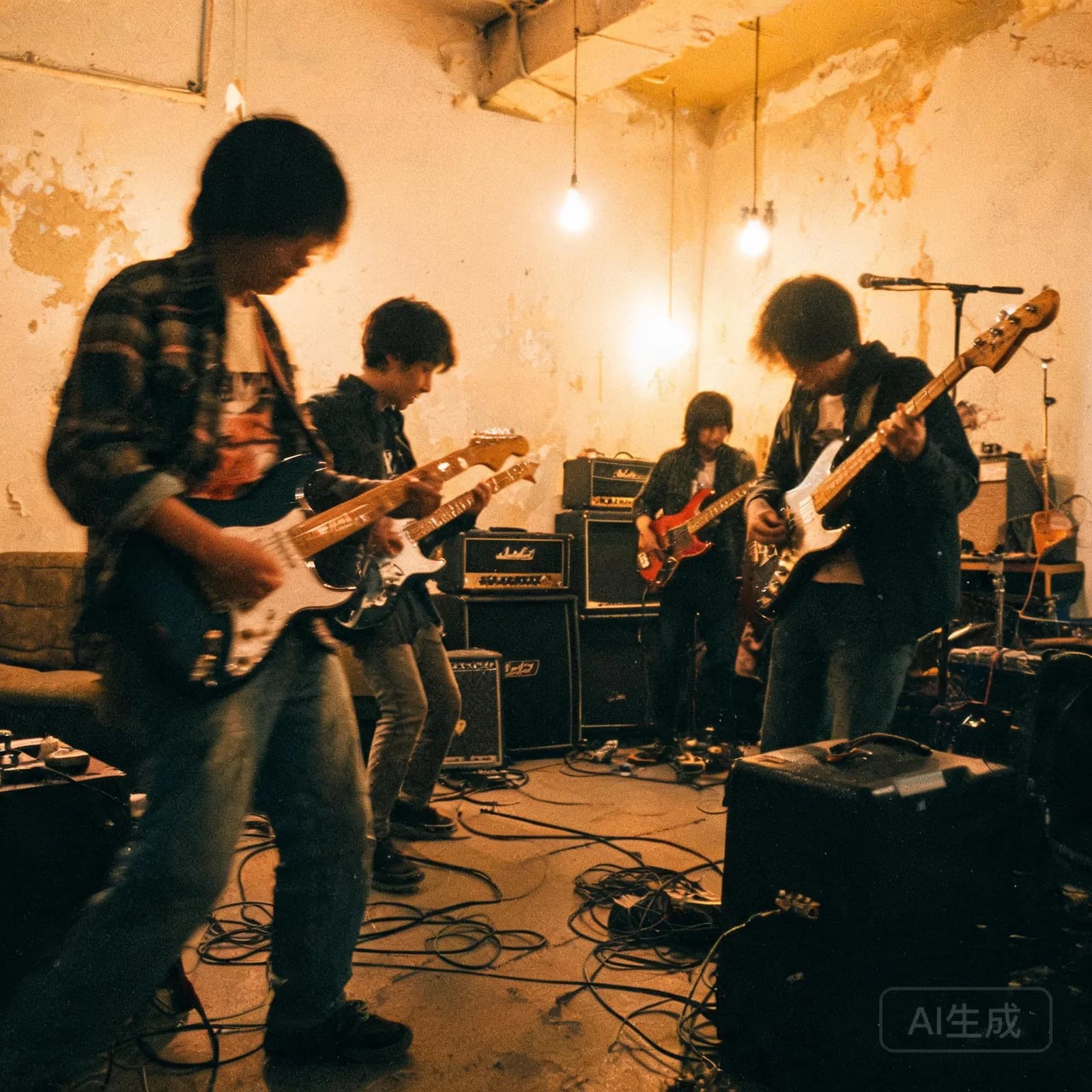
Runaway Lights
Indie RockEnergetic0:55
A dense verse sits over a steady guitar figure, then the chorus doubles the vocal.
Paste a verse and a chorus, choose how the song should sound, and the studio sets your words to a full arrangement with vocals.
These renders started from written lyrics rather than a description. Notice how the delivery changes between verses and choruses.
A dense verse sits over a steady guitar figure, then the chorus doubles the vocal.
Longer lines get a slower, more deliberate phrasing so no word is swallowed.
Short, clipped lines land harder against a sparse R&B backing.
Every demo plays from the studio's own render pipeline and loads only after you press play.
Pick a format to see exactly what the studio reads from your text.
Put [Verse] and [Chorus] on their own lines. Each block is matched to the section of the same name, which is the most predictable format for a first render.
Whatever you paste stays editable in the lyrics panel after the song has been generated.
The lyrics workflow starts from text instead of a description. Drop your words into the lyrics field, then choose a genre, a mood and a vocal type. The studio keeps your lines as written and builds the arrangement, the performance and the mix around them, so the song sounds like it was written for those words rather than stretched to fit a template.
Line breaks matter more than punctuation. A blank line between blocks reads as a section change; a repeated line reads as a hook and is treated as the chorus by default. If the structure you have in mind does not match what you hear, markers are the fastest fix — see the format examples above.
Nothing about this path is one-way. If a render is close but the words need another pass, edit them in the lyrics panel and regenerate with the same settings. For the prompt-first route instead, start with the AI song generator.
Section markers tell the studio how your words should move. They are optional, but using them removes almost all guesswork about where a block ends up.
Narrative space. Verses usually share one instrumental bed and change their melody slightly between repeats, which is why keeping verse lines a similar length helps.
The lift and the payoff. A pre-chorus is short and builds tension; the chorus carries the line you want remembered and normally repeats unchanged.
Perspective changes and endings. A bridge often drops instruments away for a bar; an outro can repeat a fragment of the chorus or fade on the bed.
Instrumental output is a valid destination for the same lyrics file: with vocals set to instrumental you get a backing arrangement you can sing over yourself, covered in more depth on the instrumental generator page.
Generated vocals are unkind to uneven meter. Lines that scan differently from one another produce audible stumbles, so a small amount of editing before you paste pays off more than regenerating repeatedly.
Keep line lengths consistent inside a section. If the first verse line is eight syllables, aim for roughly eight on the rest — the studio matches phrasing to the block, not to each individual line.
Write one image per verse instead of stacking three. Concrete nouns survive performance better than abstractions, and they give the arrangement something to build around.
Shorten the hook. A chorus that repeats a six-word line is easier to deliver cleanly than one with a long clause, and it is the part listeners remember.
Avoid stage directions inside lyric lines. Keep notes such as "whispered" out of the text and express them through the genre, the mood and the vocal type instead.
If you would rather describe the track than write the words, the description-first workflow on the AI music generator page covers the same generator from the prompt side.
Once the words are in place, the vocal setting is the biggest lever. Female and male change register and phrasing, instrumental removes the vocal entirely while keeping the arrangement, and Auto lets the studio pick a delivery that matches the mood. Genre and mood then colour what the arrangement does — the same lyric reads differently as Dark R&B than as Indie Rock.
Because your text is your own content, you are responsible for having the rights to use it, and what you may publish is defined by your plan. The Terms of Service and the licensing page explain both, and the pricing page lists what each generation and edit costs.
Lyric-first songs show up in a few predictable places: fan edits and story videos for YouTube, and narrative openings for podcast episodes.
Yes. Paste your words into the lyrics field, choose a genre, a mood and a vocal type, and the studio performs them as a full song. Your text is used as written — the studio decides phrasing, arrangement and section timing around it rather than rewriting your lines.
You keep the rights to the lyrics you wrote and paste in, and you are responsible for having the right to use them. The Terms of Service cover user content and uploaded material; the licensing page explains what you may do with the finished song under each plan.
Plain text works — line breaks and repeated lines are enough for the studio to infer a structure. Adding markers such as [Verse], [Pre-Chorus], [Chorus] and [Bridge] on their own lines makes the mapping explicit and is the most reliable way to control where each block lands.
Genre is independent of the lyrics. The same words can be rendered as Dream Pop, Dark R&B, Indie Rock, Cinematic, Afrobeats or Lo-fi / Ambient, and the vocal type can be switched between female, male and instrumental, with Auto left for the studio to decide. Changing either setting does not touch your text.
Paste the chorus and let the studio draft verses around it, or generate with a prompt that matches its mood. Many writers keep the hook and rework everything else, which is why the lyrics panel stays editable after the song has been generated.
Paste a verse and a chorus, choose a genre and a vocal type, and generate a full arrangement around your text.