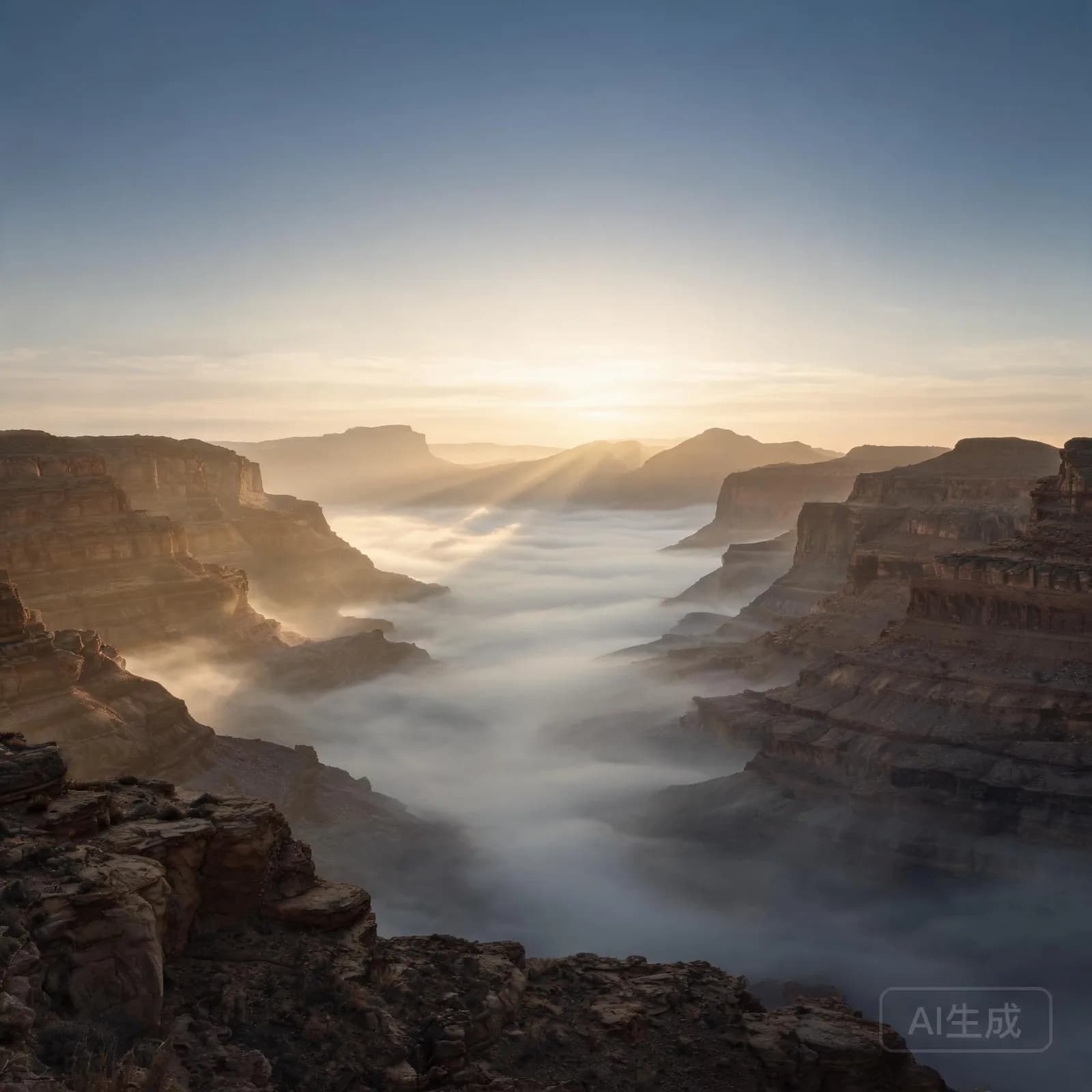
Somewhere Else
CinematicEpic1:10
Wide cinematic strings that build slowly — a bed that lets a narrator carry the scene.
Set vocals to instrumental and the studio returns music with no singing: score-like beds, quiet ambient pieces and loopable grooves you can talk over.
These renders sit under narration, dialogue and footage without competing for attention. Play them at the level you would actually use them.
Wide cinematic strings that build slowly — a bed that lets a narrator carry the scene.
A quiet lo-fi loop with soft room noise, made for study, streams and long background sessions.
An electronic groove with clear low end that still leaves the mid range open for speech.
Nothing is preloaded: the audio starts fetching only when you press play.
Pick a context to see the settings we suggest for it.
Cinematic bed, instrumental, around two minutes. Ask for a slow build and no drums in the first thirty seconds so the voice-over has space at the top.
Instrumental output can be turned back into a full song later by changing the vocal setting — see the AI song generator.
Instrumental is a first-class output here, not a song with the singer muted. The arrangement is written for the absence of a voice: melodies sit lower in the mix, the mid range stays open and sections are shaped by texture rather than by lyric lines.
That difference matters when the music has a job. A bed that leaves space in the 1–4 kHz range keeps narration intelligible, while a song arrangement in the same style would mask consonants and force you to ride the fader through the whole edit.
The single setting that keeps singing out of the render. Instrumental is the default on every preset on this page.
Short for a cut, long for background. Length is chosen before the job runs, so it also decides how much material the arrangement gets.
Use it to rule out vocal-like lead synths and busy drum fills when the track has to stay out of the way.
Instrumental is one output of the same generator described on the AI music generator page; switching the vocal setting back to female, male or duet turns the same idea into a song with singing.
Almost every instrumental request comes from one of four situations. Choosing the situation first, then the genre, produces better results than starting from a style name.
Beds that follow the pace of an edit — patient for drone shots, driving for montage. Covered in detail on the music for YouTube page.
Low-range, repetitive material for interviews, explainers and shows. The podcast music page covers themes and beds separately.
Even, unhurried loops for work, study and streams, where a strong hook would be a defect rather than a feature.
Short, seamless material for menus and levels. The game music page explains looping requirements.
Mood decides register and density before anything else: calm and melancholic produce sparse, low-energy material, while energetic pushes tempo and rhythmic activity up even at the same length.
Tempo is set in the advanced panel. Expect to feel it most in the transition moments — a slow bed can absorb abrupt edits more easily than a 140 BPM groove can.
Instrumentation is a list rather than a single choice. Naming three or four sources ("felt piano, low strings, soft brush kit, room tone") gives the arrangement a pallet to build from without freezing it into one texture for the whole track.
Genre ties the three together. If you are aiming at a rhythmic result instead of an ambient one, start from the AI beat maker presets and keep the vocal setting on instrumental.
Looping is mostly an arrangement decision made before generation. Ask for a fixed tempo, an open ending and no long reverb tails, and the render will repeat without an audible seam; ask for a grand finale and one edit point will always be obvious.
Say "steady loop, no fade out, no final resolve" in the prompt. Both ending and tail shape how a repeat behaves.
Keep the instrumentation list short for long beds. Fewer voices repeating is what makes an hour of background music tolerable.
A tight 60-second loop usually behaves better in a game or a stream than a three-minute piece trimmed down afterwards.
Longer and shorter renders, stem exports and edits each have their own credit cost, listed openly on the pricing page. If the provider behind your workspace cannot separate stems, the option is hidden rather than shown and then failing.
No. With the vocal setting on instrumental the studio renders an arrangement with no singing, and nothing is added behind your back. Switching to a vocal type later is a setting change, not a different product, so the same idea can become a song when you want one.
Instrumentals are built to sit under speech, footage or ambience, which is what makes them useful for video edits, streams and voice-over. What you may publish with a render depends on your plan: the licensing page and Terms of Service describe personal and commercial use for each tier.
Tempo is available in the advanced panel, and mood plus instrumentation steer the palette. You can also list what you want and exclude what you do not in the negative prompt, which is often faster than describing textures in the main prompt.
Yes. Ask for a steady tempo, avoid long fades and keep the ending open, and the result loops cleanly for streams, installations and gameplay. For material that needs to repeat for hours, set the longer duration options and keep the arrangement texturally consistent.
Length is a setting, from short clips intended for a cut to multi-minute beds for background use. Longer renders take more time to process and use more credits, and each duration option is priced on the pricing page rather than being a hidden limit.
Choose a context, keep the vocal setting on instrumental and generate a track sized for your edit, stream or build.