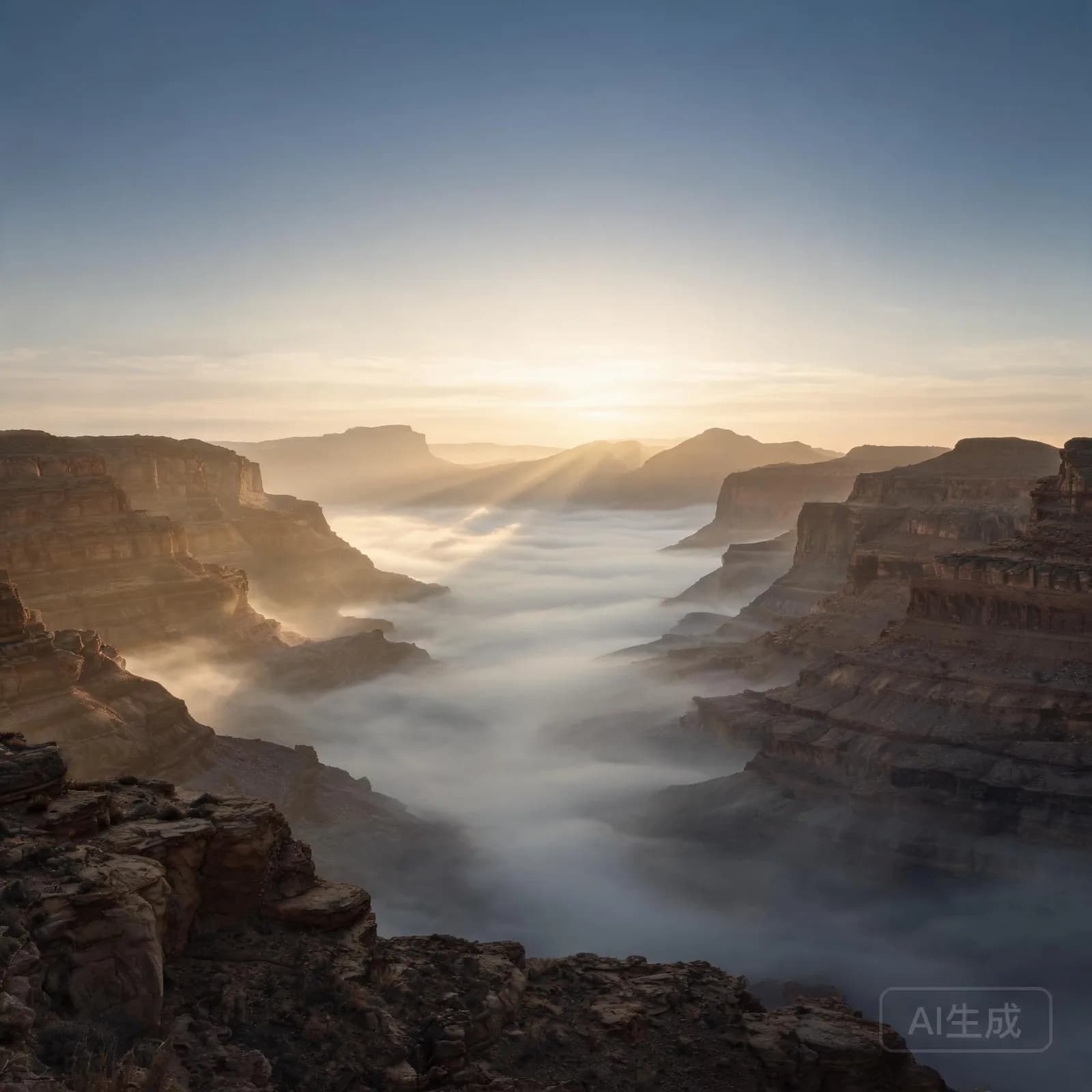
Somewhere Else
CinematicEpic1:10
Exploration: a patient theme that can repeat behind a wide outdoor area.
Generate menu themes, exploration ambience and combat cues in one consistent style, with lengths that repeat cleanly behind gameplay.
Each of these was written for a different moment in a build. Imagine them running behind gameplay with effects turned up.
Exploration: a patient theme that can repeat behind a wide outdoor area.
Action: a driving electronic cue with a clear pulse for chase and combat sequences.
Menu: a low-lit, minimal loop that leaves room for interface and effect sounds.
Every preview is generated by the studio and loads only when you press play.
Pick the moment in the game and see the music settings that suit it.
Minimal, repetitive and uncluttered, with no percussion accents that could be mistaken for interface sounds. Three minutes with a fixed tempo gives a boot loop that can sit behind a pause screen all evening.
Cues stay editable after generation, so a level that grows can be extended without generating a replacement track.
Game music is scored against interaction rather than against a runtime. A model understands tempo, register and texture, so the useful thing to specify is how the music should behave while a player is doing something: standing still, exploring, or pressing buttons as fast as possible.
Short, friendly loops with a clear rhythm and low complexity. They need to survive being played hundreds of times in a short session.
Long, patient themes with slow harmonic movement. The instrumental generator covers how to keep a bed even for hours.
Percussion-led, tempo-forward cues with tight tails, so the audio can cut out cleanly when a wave ends. Beat-first material is described on the AI beat maker page.
Tension without melody: sustained tones, sparse impacts and deliberate emptiness. Fewer events make the cues more frightening over long play sessions.
Trailer and store-page footage is scored differently from in-game audio — for that, see music for YouTube.
A loop is an arrangement decision you make before generation. Music that resolves will always leave a seam, and music that fades in will always click when it restarts. Ask for the opposite properties and the render behaves.
Pin the tempo in the advanced panel. A cue that drifts will repeat with a growing gap between passes, which is audible within two loops.
Say it explicitly in the prompt. Both a gradual opening and a long tail will break the loop point even if everything else is right.
Ask for "no final resolve". A cue that ends on a cadence works as a jingle, not as a bed that has to restart mid-scene.
Short loops are usually the better starting point: generate sixty to ninety seconds, import the file, and set loop points in the engine rather than relying on the render to be perfectly seamless at both ends.
A soundtrack feels intentional when cues share a palette. Fix the genre, the mood register and a short instrumentation list for the whole project, then vary tempo and density instead of changing style between scenes.
Keep three or four instruments and reuse them. New scenes then sound like new sections rather than like music from a different game.
Build tension with tempo, density and register. Changing genre between menu and combat is what makes a soundtrack feel assembled instead of composed.
Reusing the exact prompt is the most reliable way to reproduce a style months later, when the project has a dozen cues and a deadline.
The same prompt-first approach applies to any music you generate — the AI music generator explains the workflow behind these cues.
Different scenes ask for opposite things. A menu has to survive repetition, a level has to support exploration for an unpredictable length of time, and a boss fight has to escalate without becoming noise.
Minimal and even, with nothing that could be confused for a UI confirmation sound. Long duration, no strong accents.
Sustained tension with slow movement, and stems where available so the engine can fade individual parts in and out as the player progresses.
Percussion forward, short reverb and a hard pulse. Generate slightly longer than the expected fight so an extended encounter does not run out of music.
Short, resolved cues for victory, failure and credits. These are the only places where a clear cadence is what you want.
Renders, edits and stem exports each cost credits, published openly on the pricing page; publishing rights follow your plan, set out on the licensing page and in the Terms of Service.
Yes, within the terms of the plan you generated the audio under. Paid plans include commercial use and free renders are for personal, non-commercial projects, as described on the licensing page and in the Terms of Service. Keep the renders in your works list so each shipped asset is traceable.
They can be, if you ask for looping behaviour before you generate: a fixed tempo, no fade out and no final resolve. Ask for a steady arrangement rather than a piece with a climax, and a two- or three-minute render will repeat cleanly behind an open world or a hub area.
Yes. Decide on genre, instrumentation and mood once, then reuse the same settings for every cue so the menu, the levels and the combat music feel like one score. The studio keeps a version history per track, which makes it easy to return to a cue you approved months ago.
Commercial use is defined by the plan and the terms rather than by a general claim. Check the licensing page for what is permitted and what is not, and read the Terms of Service before you ship. You are also responsible for any audio you upload yourself, for example as a reference.
Export from the studio, then import into your engine and set the loop points there. Generate with an open ending rather than a hard stop, keep the file slightly longer than the shortest loop you need, and prefer instrumental renders so a dynamic mix cannot fight dialogue or effects.
Start with the cue you need next — menu, exploration or combat — then reuse the same palette for every scene you add.