Slow Burn
Electronic / UK GarageEnergetic1:00
A UK garage flavoured groove with shuffled hats and a fixed pulse to rap against.
Describe the groove, set a tempo and a style, and the studio renders loopable beats you can write over, extend and export.
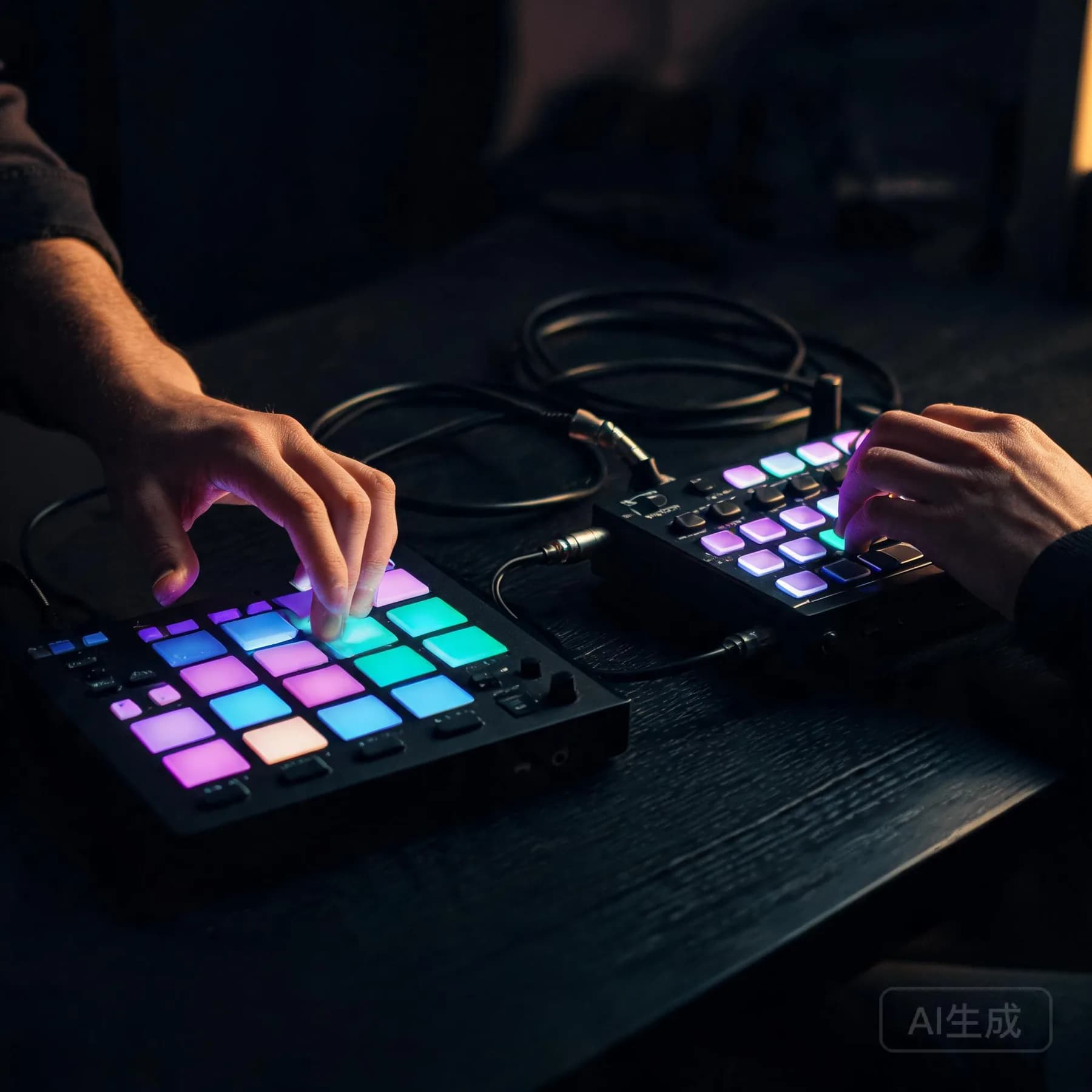
Short renders at different tempos. Listen for where the drums sit and how much space is left in the low end.
A UK garage flavoured groove with shuffled hats and a fixed pulse to rap against.
A slow R&B beat that keeps the kick back and leaves the top end open for a vocal.
A loose lo-fi loop with soft transients — good for sketching without dominating the room.
Press play to load a beat; nothing is fetched on page load.
Pick a starting tempo and kit, then adjust it in the generator.
Half-time feel around 140 BPM with rolling hats and a deep 808. Ask for sparse verses and one open space where a hook would sit.
Each option opens the generator with a prompt that names the tempo and kit, so you can edit the wording before you generate.
A beat prompt describes rhythm first. Say the tempo, the drum character and what the low end should do, then add the harmonic background if you want one: "90 BPM R&B, soft kick, rimshot backbeat, muted Rhodes chords, no lead melody". That gives the studio a pocket to build rather than a mood to interpret.
Tempo drives every other decision on a beat. Choose it in the advanced panel or write it into the prompt — both land in the same job settings.
Kick placement, snare character and hat density do more for a beat than any genre label. Name them directly.
A one-minute loop is enough to judge a pocket, and it renders faster than a full-length arrangement.
Every version stays in your history, so the beat you skipped today is still there when the topline changes.
Beats are judged on feel rather than fidelity, and feel comes from genre conventions: swing, drum balance and how much the bass leads. The styles below reflect the kits this studio produces; everything else is a variation on them.
Half-time drums, rolling hi-hats and a sustained 808 line. Built to leave the middle of the frequency range clear for a rap vocal.
Syncopated kits around 105 BPM with shakers and log-drum accents over a sub-heavy low end, often used as the rhythmic starting point behind a sung hook. Non-rhythmic contexts are covered on the instrumental generator page.
Soft kits, restrained dynamics and chord beds that repeat. The spacious arrangement is the point: it leaves room for a full vocal performance.
Swung drums, dark chords and deliberate imperfection. Frequently used as background material rather than a foundation for vocals.
Beats that end up with a top line usually continue on the AI song generator, where the same groove can carry a full arrangement with vocals.
Tempo is the single most audible setting. A two BPM change is often the difference between a beat that feels rushed and one that sits. Set it before generating; retrofitting tempo afterwards is a worse experience than one extra render.
Key matters when you plan to add your own melody or play over the render. Pin it in the advanced panel and the bassline and chords stay in one tonal centre, which saves transposing afterwards.
Groove is described, not chosen from a list: swung or straight, laid back or on top of the grid. Words like "pushed hats" and "behind the beat" translate into timing feel more reliably than naming a producer.
Negative prompts remove sounds rather than adding detail. Use them for the drum pieces or lead lines you never want to hear again on this project.
A beat does not have to stop at a loop. Open it in the editor and you get the same tooling as a full song: the timeline shows the waveform and its sections, an edit can extend the pattern for another eight bars, and the version history keeps the original loop intact while you try alternatives.
Edits, extensions and stem exports are billable operations with their cost published on the pricing page. Where a provider cannot deliver a capability, the control is withheld rather than shown and left broken.
The same short loops work surprisingly well outside music: they are used as game combat cues and as beds under fast-cut edits.
It is a generator tuned for rhythm-first material: drum patterns, basslines and short harmonic loops you can write over. It suits rappers auditioning a pocket, producers sketching ideas before opening a DAW, and songwriters who need a groove rather than a finished track.
Tempo and genre are both controls, and both matter more here than on a song render. Tempo is set in the advanced panel, genre drives the kit and the swing, and a negative prompt is the fastest way to remove a drum sound you do not want.
Renders can be exported in the formats your plan allows, ready to drop into a session. What you may publish with them is defined by the licensing page and the Terms of Service rather than by a general claim about usage rights.
No. You can keep working entirely in the studio: extend a loop, change the arrangement, export an audio file and share it. If you do use a DAW, an exported loop drops straight onto a track, and stems are available when the provider behind your workspace supports them.
Start with a short loop and one or two versions. Beats are cheap to audition and quick to judge, so it is usually faster to change one setting — tempo or genre — and rerun than to generate a large batch from an unclear prompt.
Set a tempo, describe the kit and generate a short loop you can write over. Change one setting at a time and rerun until the pocket sits.